LED drivers are essential for the efficient operation of LED lights. Yet, many users may face a common issue: buzzing noises. The question arises, "Why is my LED driver making a buzzing noise?" According to a recent industry report by the LED Lighting Alliance, up to 20% of LED driver users report experiencing audible buzzing. This noise can be attributed to various factors, such as electrical interference or poor-quality components.
Understanding the underlying causes is crucial for effective troubleshooting. For instance, consumers often overlook the impact of dimmer compatibility. A study conducted by the Electrical Association revealed that mismatched dimmers could amplify buzzing sounds. Addressing these issues not only enhances user experience but also extends the lifespan of LED systems.
While buzzing may seem trivial, it can indicate deeper problems. Ignoring these signs can lead to inefficiencies or even failures over time. This article will explore practical solutions to reduce LED driver noise, ensuring both performance and peace of mind for users.
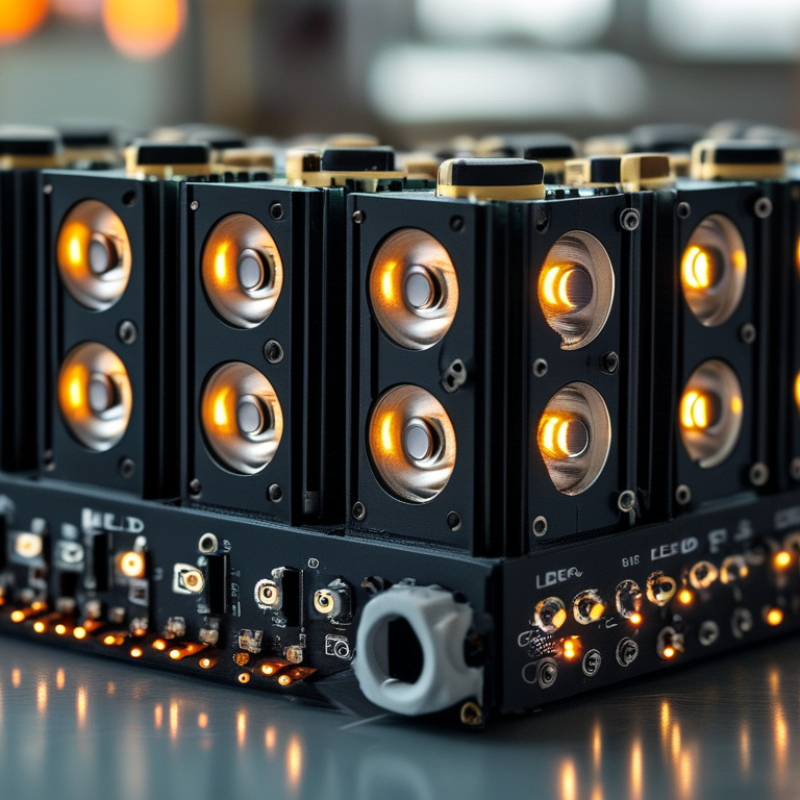
Buzzing in LED drivers can be an annoying issue. Understanding the common causes helps in addressing it effectively. One frequent reason for buzzing is electromagnetic interference. This occurs when the driver interacts with nearby electrical devices. If appliances are too close, it might create an audible hum.
Another reason involves the quality of the components. Poorly made drivers can produce noise due to inconsistent power delivery. When current fluctuates, the electronic components vibrate, leading to buzzing sounds. Checking the driver’s specifications can give hints about its reliability.
Improper installation may also contribute to buzzing. Loose connections or unsuitable fixtures can amplify noise. It's essential to ensure that connections are tight and compatible. Consider using a dampening material to reduce vibrations if the problem persists. Finding the root cause often requires some trial and error. Addressing buzzing not only improves comfort but also enhances the lifespan of the lighting system.
Electromagnetic interference (EMI) significantly impacts LED driver performance. High-frequency noise can cause unwanted buzzing in LED drivers. According to industry reports, nearly 40% of LED drivers exhibit this issue due to inadequate filtering. This noise can disrupt both functionality and longevity, prompting users to seek solutions.
Common sources of EMI include nearby electrical devices and poor grounding. If installed near fluorescent lights, motors, or radio transmitters, LED drivers might struggle. A study by the International Electrotechnical Commission showed that up to 75% of LED driver failures in urban areas were linked to EMI. These factors highlight the importance of ensuring proper installation and shielding.
To mitigate buzzing, consider using high-quality drivers with built-in EMI protection. Regularly inspect wiring and grounding connections. Implementing these precautions can enhance performance and reliability. Nonetheless, many users fail to recognize these underlying issues, which can lead to persistent problems. Understanding the relationship between EMI and LED drivers is crucial for maintaining optimal lighting solutions.
This chart illustrates the relationship between electromagnetic interference (EMI) levels and the intensity of buzzing from LED drivers. As EMI increases, the buzzing intensity also tends to increase, indicating a potential issue with LED driver performance.
Ripple voltage is a common issue that can cause LED drivers to buzz. This noise often stems from fluctuations in power supply, affecting the driver’s performance. Analyzing the ripple voltage can provide insights into why your LED driver produces unwanted sound. High ripple voltage leads to stress on the components, causing mechanical vibrations. These vibrations produce audible buzzing, which can be both annoying and concerning.
To mitigate buzzing, it's essential to ensure a stable power supply. Use high-quality capacitors to smooth out the ripple voltage. Proper sizing of the capacitors can reduce the impact of fluctuations. Additionally, check all connections for tightness and integrity. Loose connections can also exacerbate noise issues.
Tips: Regularly inspect the LED driver for signs of wear or damage. Replacing aging components can enhance overall performance. Consider adding inductors or ferrite beads to reduce noise further. A well-maintained system can significantly lower the chances of buzzing. A quiet LED driver enhances the lighting experience, making it more enjoyable.
Buzzing in LED drivers is a common issue. Many users notice this annoyance when turning on their lights. The buzzing sound often stems from vibrations within the driver components. This can be due to poor quality parts or incorrect installation. Not everyone realizes that factors like electromagnetic interference can also contribute to the problem.
To reduce buzzing, check the driver’s mounting. Ensure it is securely attached. A loose driver can vibrate, leading to unwanted noise. Additionally, consider using a higher quality LED driver. A reputable driver may contain better components. These components can minimize vibrations. Furthermore, using a driver with a better dimming technology could be beneficial. Remember, a specific dimmer may seem perfect, but it might not work well with every driver.
While addressing the buzzing sound, it’s essential to check your wiring. Improper connections can also cause noise. Be mindful of the power supply as well. Variations in voltage can lead to buzzing. Sometimes, a simple fix isn’t enough. This is an area where users may need to consult an electrician. When dealing with electrical components, safety should always come first. Observations made during troubleshooting can lead to better solutions in the future.
When it comes to LED drivers, recognizing signs of critical failure is essential for effective maintenance. One clear indicator is flickering light or inconsistent brightness. According to industry data, nearly 30% of LED issues are linked to driver malfunctions. If your lights are buzzing, this is another hint that something is amiss. This buzzing can result from power fluctuations or inadequate driver capacity.
Physical signs should also raise alarms. If the driver casing is excessively hot to the touch, it may indicate overheating, leading to potential failure. A report by the National Electrical Manufacturers Association noted that improper thermal management accounts for up to 40% of premature driver failures. Regular inspections can help identify these risks early.
Moreover, look for any unusual noises. Drivers should operate quietly. Regular noises can signify internal damage or component failure. If you notice any of these issues, consider replacing your driver. Ignoring these warning signs can lead to more significant failures and costly replacements. Store your lighting system data for tracking performance, boosting reliability in your lighting setup.
: EMI can cause buzzing in LED drivers. About 40% of drivers face this issue due to insufficient filtering.
Nearby electrical devices, poor grounding, and fluorescent lights contribute to EMI. These can disrupt LED driver functionality.
Flickering lights or inconsistent brightness are signs of critical driver failure. Buzzing noises also indicate a problem.
An excessively hot driver casing may suggest overheating. Regularly check for these signs to prevent failures.
Use high-quality drivers with EMI protection. Regularly inspect wiring and grounding for better performance and reliability.
Unusual noises may signal internal damage. If heard, consider replacing the driver to avoid more significant failures.
Regular inspections are vital. Early detection of issues can prevent costly replacements and enhance system reliability.
Nearly 30% of LED problems are linked to driver failures, highlighting the need for regular maintenance.
Yes, storing lighting system data helps you track performance over time and boosts reliability.
Many fail to recognize underlying issues, leading to persistent problems that could have been avoided.
If you're wondering "Why is my LED driver making a buzzing noise?", it's essential to understand the common causes behind this issue. Factors such as electromagnetic interference, which can disrupt the performance of LED drivers, and ripple voltage, which may contribute to noise, are key elements to consider. By analyzing these aspects, users can identify potential problems affecting their LED drivers.
To address buzzing, there are effective solutions available that range from adjusting the installation environment to optimizing the driver settings. It’s crucial to monitor your LED driver for signs of critical failure, as this may indicate that a replacement is necessary. By recognizing the symptoms and understanding the underlying causes, users can ensure a quieter and more efficient LED lighting experience.

Ledic Lighting